Veedio for Business
Tech Gadget Video Ad Generator
Start posting real video ads for your product, made and posted from one place.
Who is on camera
- You, from a photoYour own face
- PresenterEmilyOn a sofa

- PresenterEmily, seatedOn a sofa, side-on

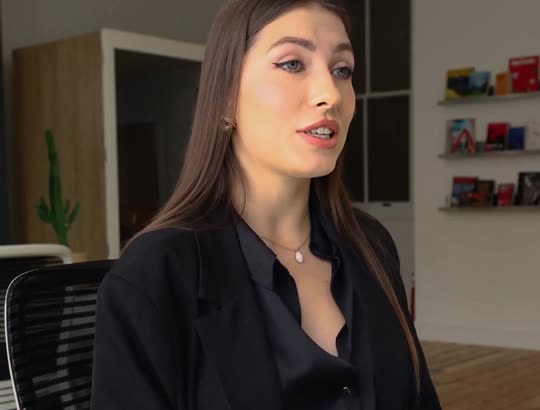
- PresenterElenaAt a desk
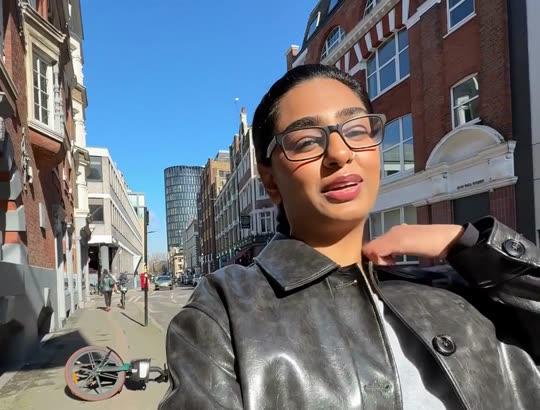
- PresenterAishaOutdoors, walking
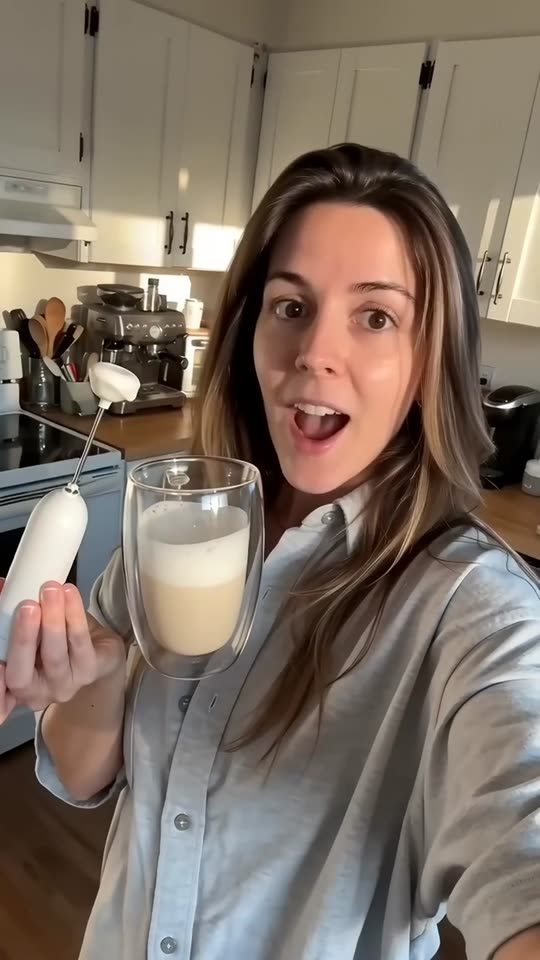
- UGCWoman at homeBright home kitchen
- UGCMan in his carParked car

- UGCMorning routineBathroom, morning light

- UGCAt the deskHome desk
- UGCOutdoorsSunny street

- UGCOn the couchLiving-room couch

- Creator ads from Brand, $99/month
Product ads made with Veedio
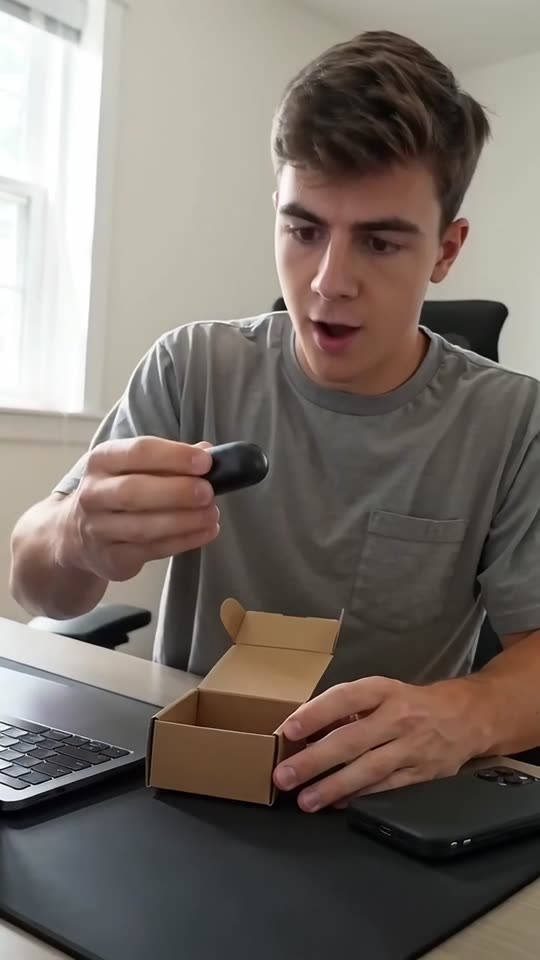
“Okay, it's here. No way it's this small. That is the whole case.”
“Thirty seconds to install, and it has not moved in two months of potholes.”
“I left this in my car for two days. In July. The ice is still here.”
“I've made my own lattes every morning for a month. This little thing paid for itself in a week.”
“Two drops, morning and night. That's the whole routine. No filter on this.”
How it works
Step 1
Type the gadget, its specs and the angle
The one job, the spec that matters, or the setup it fits, with every figure exactly as your spec sheet has it.
Step 2
Check every number before it renders
No battery life, speed, rating or compatibility you did not type, and no screen that could pass for your interface.
Step 3
Run it as an ad or post it
Download the 1080p MP4 for Ads Manager, or publish it to TikTok, Reels and Shorts from Veedio.
Where to start
Pick one and it opens with the idea filled in. Change the words, then make it.
- One-job ad for our 3-in-1 travel charger: charges a phone, earbuds and a watch from one USB-C wall plug, folds to the size of a deck of cards, $59
- Spec ad for our wireless earbuds: 8 hours per charge, 32 with the case, IPX4 rated, two-device pairing, $79
- Setup ad for our aluminium monitor riser with a USB hub: four USB-A ports, raises a screen 4 inches, fits desks up to 24 inches deep, $45
Pricing
Plans that grow with you
Creators on camera on Brand, Growth and Scale. Cancel any time.
Brand
$99/month
About 20 product ads a month, for one brand testing what sells.
- 3,000 credits a month
- Presenter and UGC creator ads
- 3 Auto-Mode workers for topic and feed videos
- 5 cloned voices
Growth
Recommended$199/month
About 45 product ads a month: fresh creatives every week across your channels.
- 6,200 credits a month
- Presenter and UGC creator ads
- 6 Auto-Mode workers for topic and feed videos
- 10 cloned voices
Scale
$399/month
About 90 product ads a month, for several product lines, brands or clients.
- 12,500 credits a month
- Presenter and UGC creator ads
- 15 Auto-Mode workers for topic and feed videos
- 25 cloned voices
Questions
Questions about the Tech Gadget Video Ad Generator
Will it say our earbuds last 40 hours?
Only if you type 40 hours, and only if you have measured it. The brief never adds a battery life, charge time or range on its own, and a figure measured under conditions is best stated with them.
Can it say the charger works with every phone?
Only if you type it and it is true. The brief adds no compatibility claim and names no other company’s device or operating system unless you type it; say what it works with exactly as your spec sheet does.
Can it show our app?
No. Every scene is generated, so the brief shows no app screen or readable display, which could only be a made-up version of yours. Add a real screen recording in an editor if the ad needs one.
Will the ad show my actual product?
Only where you put it in. Every scene is generated from its own line of the script, so it shows a product like yours in use — not the item a customer will receive — and the brief never calls a frame a photograph of it. One photo of your own product can open the video, added in the composer. On Veedio’s business plans, the composer’s Product ad (UGC) option takes a photo of your product: an AI creator, or a presenter made from your own photo, is drawn holding it and talks about it to camera, and the b-roll opens on your untouched photo. It writes its own fixed UGC script from the facts you give rather than this page’s brief, and the product in the creator’s hands is an AI composite, so check it against the real thing.
Can an AI creator review my gadget?
It can present it, not review it. An AI creator talking about your product is an ad, not a customer review: the FTC’s rule on consumer reviews and testimonials bars testimonials from people who did not use the product, so never caption one as a customer, never attach a real customer’s name to it, and label it as AI-made where the platform asks.
Can I run these as paid ads on Meta and TikTok?
Yes. You own the videos on every plan and can use them commercially, paid ads included. There is no watermark on any plan, the export is 1080p, and the music beds are licensed for commercial use with no attribution. Connect TikTok, Instagram and YouTube once and publish to TikTok, Reels and Shorts from the app, on every plan. One account each on TikTok, Instagram and YouTube, three at most (Mini connects one).
What does it cost?
Plans are monthly: Mini $7 (200 credits), Starter $19 (600 credits), Pro $49 (2,000 credits), Studio $149 (7,500 credits). A five-scene short in pictures costs 13 credits; with AI motion in every scene it costs 138. You see the price before you generate, and the first payment on any plan has a 7-day money-back guarantee. Pro ($49 a month, 2,000 credits) covers about 153 five-scene shorts in pictures, or about 14 with AI motion in every scene.
Do I have to sign up to try this?
Yes, and pick a plan: Mini is $7 a month, and the first payment has a 7-day money-back guarantee. On a plan, the box at the top writes the script and the shot list for no credits — that is the part that decides whether the video is worth making.
Do I own the videos, and is there a watermark?
You own them, on every plan, and there is no watermark on any plan, no resolution cap and no platform withheld. Four things do follow the plan, because they are what a video costs to make: AI motion and sound effects need Starter, and a presenter avatar and the choice of video model need Pro. Everything else — every voice, every language, every caption style, every aspect ratio — is the same on all of them.
About the tool
More about the Tech Gadget Video Ad Generator
What it makes
Captioned 9:16 video ads for consumer electronics and accessories — the one job it does, the spec that matters, the setup it fits — with every battery, speed and compatibility figure yours, not invented.
The gadget, its specs exactly as on your spec sheet — battery life, charging speed, ratings, what it works with — and an angle: the one job, the spec that matters, or the setup it fits. It adds no figure you did not type.
The one job, the one spec, the one setup
Tech accessories are bought on a single question — will it do this one thing, with what I already own — so the ads that work answer it fast. The brief writes one of three angles: the one-job ad, three or four close moments of the gadget doing the thing it is for; the spec ad, each figure a buyer compares said in plain words with what it means in use (“32 hours with the case: a week of commutes”); or the setup ad, where it goes and how it connects.
The first line is the hook, said with no greeting and written for viewers with the sound off: the problem (“Three chargers in your bag?”), the figure, or the desk. One run writes one video, so three angles on one gadget is three runs. For kitchen gadgets the kitchen gadget video ad generator is the closer page; for a creator holding the product to camera, the AI UGC ad generator.
Specs are claims: battery, speed, ratings, compatibility
The FTC’s advertising guide for small business says advertising must be truthful and non-deceptive, and that a company needs a reasonable basis for every claim — proof in hand before the ad runs, not after. In electronics every spec is one of those claims, so the brief uses yours exactly as typed and invents none: no battery life, charge time, wattage, range, water-resistance rating or compatibility, and no “fastest” or “longest”. If a figure was measured under conditions, say the conditions; “8 hours at half volume” is a claim you can defend.
It names no other company’s device, app or operating system unless you type it, and invents no safety certification or warranty, because a buyer of a charger reads the box before they plug it in. You read every line before anything renders, and this page is not legal advice.
Generated gadget scenes and the UGC tech ad
Every scene is generated from its own line of the script, so it shows a product like yours in use — not the item a customer will receive — and the brief never calls a frame a photograph of it. One photo of your own product can open the video, added in the composer. For electronics that means a gadget like yours doing its job — a charger folded into a pocket, a case opening on a desk — never your logo, never an app screen or a readable display that could pass for your interface, and never presented as a test.
On Veedio’s business plans, the composer’s Product ad (UGC) option takes a photo of your product: an AI creator, or a presenter made from your own photo, is drawn holding it and talks about it to camera, and the b-roll opens on your untouched photo. It writes its own fixed UGC script from the facts you give rather than this page’s brief, and the product in the creator’s hands is an AI composite, so check it against the real thing. An AI creator talking about your product is an ad, not a customer review: the FTC’s rule on consumer reviews and testimonials bars testimonials from people who did not use the product, so never caption one as a customer, never attach a real customer’s name to it, and label it as AI-made where the platform asks. You own the videos on every plan and can use them commercially, paid ads included. There is no watermark on any plan, the export is 1080p, and the music beds are licensed for commercial use with no attribution.
Who it's for
Consumer electronics and accessory brands
A demo ad for every product in the range, from the spec sheet, with the figures exactly as you publish them.
Amazon and Shopify sellers of tech accessories
Social ads that send buyers to the listing, with the same specs the listing states and nothing more.
Performance marketers
One-job, spec and setup angles on one gadget in an afternoon, ready to test.
Agencies running several brands
Creative for each client from one login, every brief written from that client’s own product sheet, and every claim read against it before anything renders.
What this replaces
Input
The usual way: A product photographer, a desk set and a shot list per gadget.
With Veedio: The gadget, its specs and the angle, typed in one sentence.
Visuals
The usual way: Close-up demo footage, reshot for every new model and colour.
With Veedio: Generated close-ups of a gadget like yours at work; one photo of your own can open it.
Voiceover
The usual way: Book a VO artist, or record yourself and cut the breaths out.
With Veedio: Five ElevenLabs voices, re-recorded free whenever the line changes.
Captions
The usual way: Spec call-outs animated by hand in an editor.
With Veedio: Every word burned in as it is spoken, figures included.
Turnaround
The usual way: A shoot per launch, so accessories rarely get their own video.
With Veedio: Minutes per gadget, so every SKU can have one.
Changing it
The usual way: Re-record the line, re-cut the timeline, re-export, re-upload.
With Veedio: Edit the line and only its voice is re-recorded, free. A new still is free too; a new motion clip is free once per video.
| The usual way | With Veedio | |
|---|---|---|
| Input | A product photographer, a desk set and a shot list per gadget. | The gadget, its specs and the angle, typed in one sentence. |
| Visuals | Close-up demo footage, reshot for every new model and colour. | Generated close-ups of a gadget like yours at work; one photo of your own can open it. |
| Voiceover | Book a VO artist, or record yourself and cut the breaths out. | Five ElevenLabs voices, re-recorded free whenever the line changes. |
| Captions | Spec call-outs animated by hand in an editor. | Every word burned in as it is spoken, figures included. |
| Turnaround | A shoot per launch, so accessories rarely get their own video. | Minutes per gadget, so every SKU can have one. |
| Changing it | Re-record the line, re-cut the timeline, re-export, re-upload. | Edit the line and only its voice is re-recorded, free. A new still is free too; a new motion clip is free once per video. |
How it writes your script
For an idea like “One-job ad for our 3-in-1 travel charger: charges a phone, earbuds and a watch from one USB-C wall plug, folds to the size of a deck of cards, $59”, the script writer also gets this direction:
Write a short vertical video ad for a consumer electronics product or accessory — a charger, cable, earbuds, speaker, phone or desk accessory, or a small smart-home device — for a brand to run on TikTok, Instagram Reels, YouTube Shorts and Meta. Work out from the user's words which angle this is and write only that one: a one-job ad (the single thing it does, shown in three or four close moments), a spec ad (the specs a buyer compares, one per scene, each said in plain words with what it means in use), or a setup ad (where it goes — a desk, a bag, a nightstand — and how it is connected, one step per scene). If the user names none, write the one-job ad. The first line is the hook: it works with the sound off and without context, and it is said in the first scene with no greeting before it. Write every line so it reads on its own as a caption. Use only the product name, battery life, charging speed, wattage, ports, ratings, dimensions, compatibility, what is included, prices and claims the user typed, exactly as typed. Never invent a battery life, a charge time, a wattage, a range, a water- or dust-resistance rating, a compatibility claim, a 'fastest', 'longest' or 'best' claim, a safety certification, a warranty, a percentage, a review, a rating, a sales count, an award or a comparison with a named brand, and never name another company's device, app or operating system unless the user typed it. Never claim the speaker bought or uses the gadget unless the user typed it; write as a narrator showing the gadget, not as a customer. Each scene describes one vertical frame of a generic gadget like the one described doing its job — a folded charger in a jacket pocket, an earbud case opening on a desk, a riser under a plain monitor — with no real brand, logo, packaging text, app screen, interface or readable display, and no text in the frame. Never describe a generated frame as a photograph of the actual product or as a test of how it performs. End with the call to action the user gave, or 'Find it at the link' if they gave none.