Veedio for Business
Funeral Home Video Ads
Start posting real videos about your business and keep them going out on autopilot.
Who is on camera
- You, from a photoYour own face
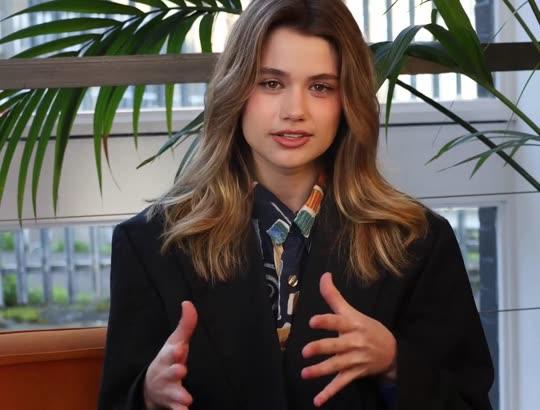
- PresenterEmilyOn a sofa
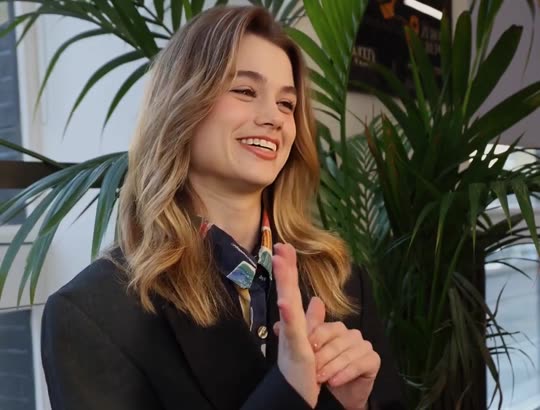
- PresenterEmily, seatedOn a sofa, side-on
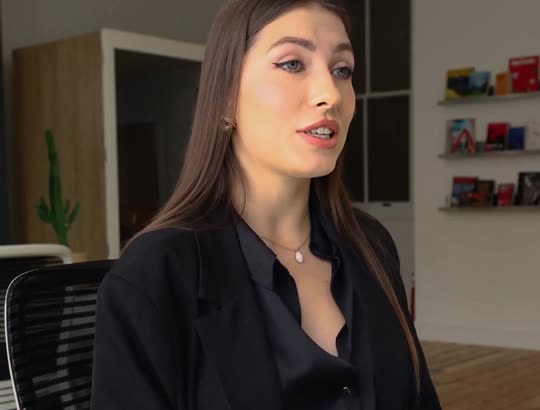
- PresenterElenaAt a desk
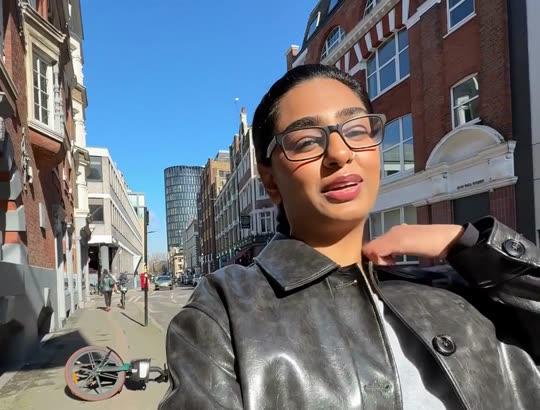
- PresenterAishaOutdoors, walking
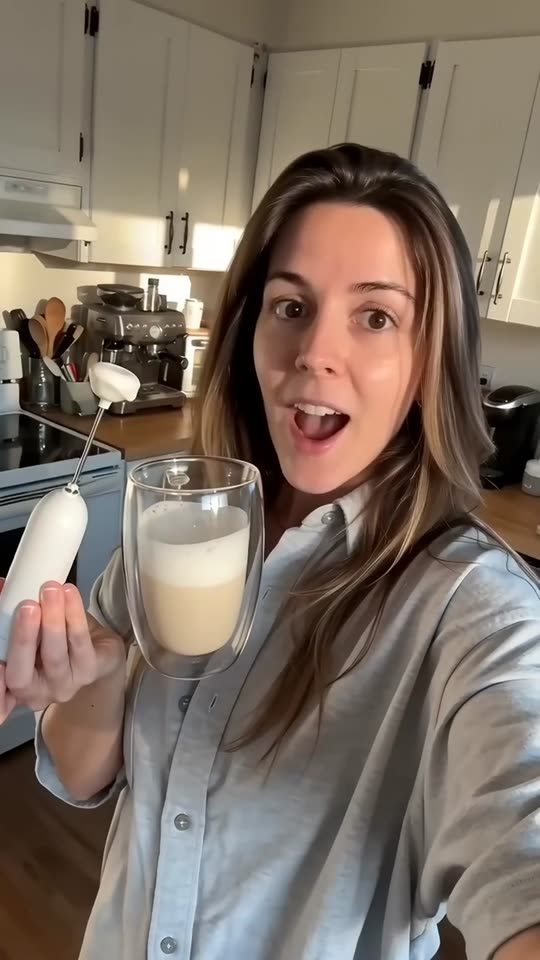
- UGCWoman at homeBright home kitchen
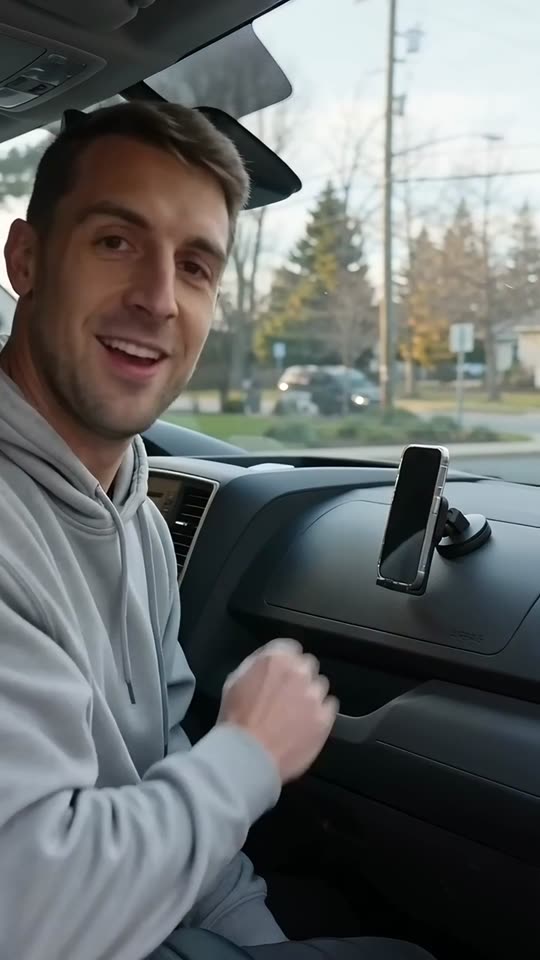
- UGCMan in his carParked car
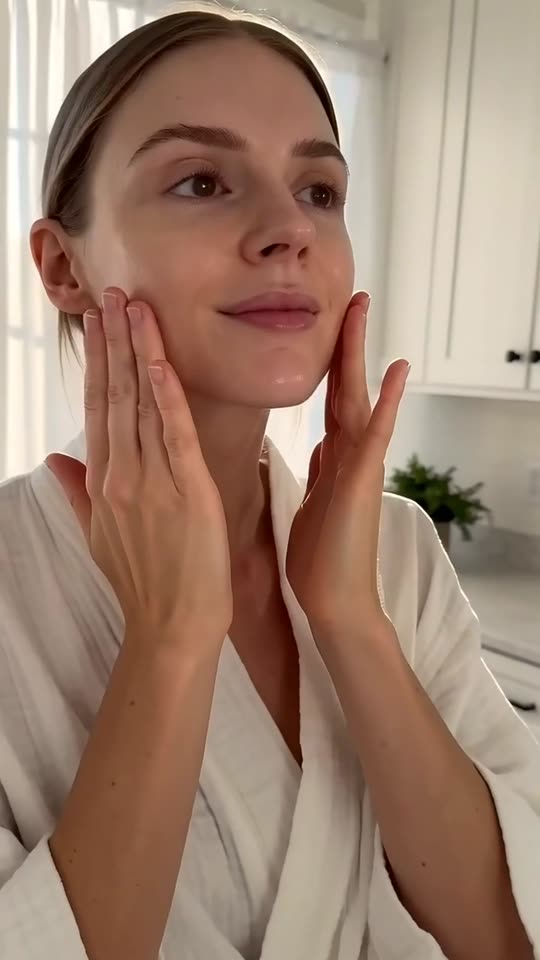
- UGCMorning routineBathroom, morning light
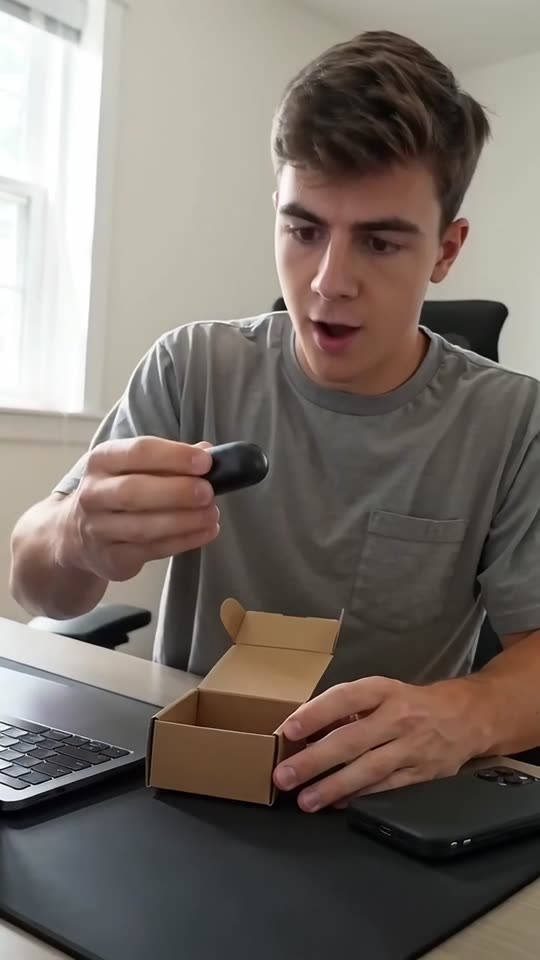
- UGCAt the deskHome desk
- UGCOutdoorsSunny street
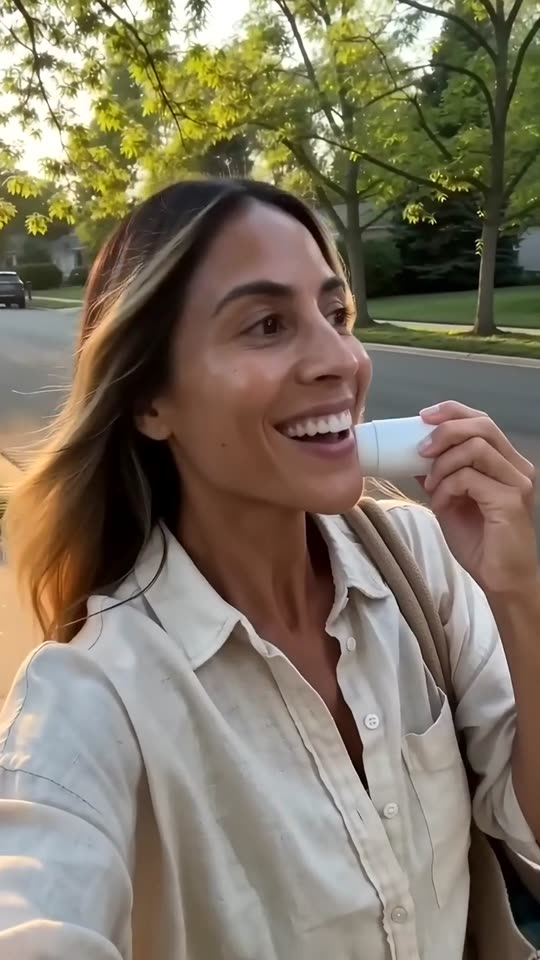
- UGCOn the couchLiving-room couch

- Creator ads from Brand, $99/month
How it works
Step 1
Type what families should know
Pre-planning, the first steps or how to get your prices, in the words you use on the phone.
Step 2
Read it for tone and for the Funeral Rule
Calm, with nothing urgent, and nothing said about embalming or legal requirements that you did not type.
Step 3
Post it or put it on your website
Publish to Reels, Shorts and TikTok from Veedio, or download the 1080p MP4 for your website and Facebook page.
Where to start
Pick one and it opens with the idea filled in. Change the words, then make it.
- Pre-planning video for our funeral home in Dayton: record your wishes, choose burial or cremation, prepay or not, meet with us at no charge, call 937-555-0196
- First steps video: if a death happens at home under hospice care, call the hospice nurse first, then call us, we answer at any hour, Lexington, 859-555-0177
- Price information video: our General Price List is on our website and we give prices over the phone, direct cremation and traditional services, Spokane, 509-555-0151
Pricing
Plans that grow with you
Creators on camera on Brand, Growth and Scale. Cancel any time.
Brand
$99/month
About 20 product ads a month, for one brand testing what sells.
- 3,000 credits a month
- Presenter and UGC creator ads
- 3 Auto-Mode workers for topic and feed videos
- 5 cloned voices
Growth
Recommended$199/month
About 45 product ads a month: fresh creatives every week across your channels.
- 6,200 credits a month
- Presenter and UGC creator ads
- 6 Auto-Mode workers for topic and feed videos
- 10 cloned voices
Scale
$399/month
About 90 product ads a month, for several product lines, brands or clients.
- 12,500 credits a month
- Presenter and UGC creator ads
- 15 Auto-Mode workers for topic and feed videos
- 25 cloned voices
Questions
Questions about the Funeral Home Video Ads
Can the video mention embalming?
Only as you type it. The FTC’s guide to the Funeral Rule says a funeral home must give callers who ask about prices accurate information from its General Price List, Casket Price List and Outer Burial Container Price List, and cannot tell consumers that state or local law requires embalming when that is not true; it adds that federal law does not require embalming under any circumstances. The brief never says embalming is required unless you type it, and never says it preserves a body indefinitely.
Will it sound like an advert?
It is written not to. Lines are short and calm, the first says what the video is about, and the brief uses no urgency, scarcity, discount pressure or guilt.
Can it explain what our services include?
Yes, as you type them, from direct cremation to a traditional service. Figures are said only as your price lists state them, and the video can tell families they may ask for them by phone.
Will it show our funeral home?
Only in your own photo, which can open the video. Every other scene is generated and quiet, and none is presented as your building or a real service.
Can it use a family’s words?
The brief never invents a review, a star rating, a customer or a count of jobs done. To use a real review, type it word for word, with the customer’s permission, and the script reads it as a quote.
Can we post these on our website and Facebook page?
Yes: download the MP4 for your website and Facebook page, or publish to Reels, Shorts and TikTok from Veedio. You own the videos on every plan and can use them commercially, paid ads included. There is no watermark on any plan, the export is 1080p, and the music beds are licensed for commercial use with no attribution.
What does it cost?
Plans are monthly: Mini $7 (200 credits), Starter $19 (600 credits), Pro $49 (2,000 credits), Studio $149 (7,500 credits). A five-scene short in pictures costs 13 credits; with AI motion in every scene it costs 138. You see the price before you generate, and the first payment on any plan has a 7-day money-back guarantee. Starter ($19 a month, 600 credits) covers about 46 five-scene shorts in pictures, or about 4 with AI motion in every scene.
Do I have to sign up to try this?
Yes, and pick a plan: Mini is $7 a month, and the first payment has a 7-day money-back guarantee. On a plan, the box at the top writes the script and the shot list for no credits — that is the part that decides whether the video is worth making.
Do I own the videos, and is there a watermark?
You own them, on every plan, and there is no watermark on any plan, no resolution cap and no platform withheld. Four things do follow the plan, because they are what a video costs to make: AI motion and sound effects need Starter, and a presenter avatar and the choice of video model need Pro. Everything else — every voice, every language, every caption style, every aspect ratio — is the same on all of them.
About the tool
More about the Funeral Home Video Ads
What it makes
Calm, captioned videos for funeral homes: pre-planning explained, the first steps after a death, how families get your prices, written to the FTC’s Funeral Rule and never with urgency.
Your services, how families reach you and any price statement exactly as your price lists say it. Calm and plain: nothing urgent, and nothing about what the law requires that you did not type.
Pre-planning, the first call and how the price lists work
Families meet a funeral home at the hardest moment or years before it, and both times they want plain answers: what do we do first, what are our choices, and how do we find out what it costs. The brief writes one of three calm videos: pre-planning explained step by step, the first steps after a death as you tell families on the phone, or how to get your prices and what your price lists cover.
The first line says what the video is about, with nothing meant to shock, because the viewer may be grieving. Lines are short and gentle, and the default ending is “Call us when you are ready.” One run writes one video, so each question families ask on the phone can have its own.
The Funeral Rule, embalming and price information
The FTC’s guide to the Funeral Rule says a funeral home must give callers who ask about prices accurate information from its General Price List, Casket Price List and Outer Burial Container Price List, and cannot tell consumers that state or local law requires embalming when that is not true; it adds that federal law does not require embalming under any circumstances. So the brief never says the law, a cemetery or a crematory requires embalming, a casket for cremation or an outer burial container unless you type it, and never says embalming preserves a body indefinitely.
A price information video says how a family gets your prices, by phone or from your General Price List, exactly as you type it, and the brief invents no package, discount or prepayment term. It writes no urgency, scarcity or guilt. You review every script, and this page is not legal advice.
Quiet scenes, never a real service
Every scene is generated, so the lilies, the empty chapel and the hands on a folder are illustrations, never your building, your staff or a family’s service. The brief keeps them quiet: no body, no open casket, no grieving face in close-up.
One photo of your own building or chapel can open the video, added in the composer. The brief never invents a review, a star rating, a customer or a count of jobs done. To use a real review, type it word for word, with the customer’s permission, and the script reads it as a quote.
Who it's for
Family-owned funeral homes
Pre-planning and first-steps videos in your own words, for the families who will call you one day.
Cremation providers
Plain videos on how direct cremation works with you and how to get your prices.
Pre-need counsellors
Pre-planning explained step by step, with prepayment terms exactly as you type them and never as pressure.
Funeral homes with several locations
The same video with each location’s address and number, one run per location.
What this replaces
Input
The usual way: A director on camera, between arrangements.
With Veedio: What families should know, typed in a few sentences.
Visuals
The usual way: Footage of the chapel and the building, shot once.
With Veedio: Quiet generated scenes; one photo of your own chapel can open it.
Voiceover
The usual way: Book a VO artist, or record yourself and cut the breaths out.
With Veedio: Five ElevenLabs voices, re-recorded free whenever the line changes.
Captions
The usual way: Rarely added.
With Veedio: Every word burned in as it is spoken, for viewers watching with the sound off.
Turnaround
The usual way: Made once and left for years.
With Veedio: Minutes per video, so each question families ask can have one.
Changing it
The usual way: Re-record the line, re-cut the timeline, re-export, re-upload.
With Veedio: Edit the line and only its voice is re-recorded, free. A new still is free too; a new motion clip is free once per video.
| The usual way | With Veedio | |
|---|---|---|
| Input | A director on camera, between arrangements. | What families should know, typed in a few sentences. |
| Visuals | Footage of the chapel and the building, shot once. | Quiet generated scenes; one photo of your own chapel can open it. |
| Voiceover | Book a VO artist, or record yourself and cut the breaths out. | Five ElevenLabs voices, re-recorded free whenever the line changes. |
| Captions | Rarely added. | Every word burned in as it is spoken, for viewers watching with the sound off. |
| Turnaround | Made once and left for years. | Minutes per video, so each question families ask can have one. |
| Changing it | Re-record the line, re-cut the timeline, re-export, re-upload. | Edit the line and only its voice is re-recorded, free. A new still is free too; a new motion clip is free once per video. |
How it writes your script
For an idea like “Pre-planning video for our funeral home in Dayton: record your wishes, choose burial or cremation, prepay or not, meet with us at no charge, call 937-555-0196”, the script writer also gets this direction:
Write a short, calm vertical video for a funeral home or cremation provider, for Facebook, YouTube and the funeral home's website, addressed to families. Work out from the user's words which angle this is and write only that one: a pre-planning video (what pre-planning involves, one step per scene, and how to start), a first-steps video (what a family does first after a death, only as the user typed it), or a price information video (how a family gets the funeral home's prices and what its price lists cover, as typed). If the user names none, write the pre-planning video. The first line says plainly what the video is about, with no greeting and nothing meant to shock; it works with the sound off. Write every line so it reads on its own as a caption, in a gentle, plain voice. Never use urgency, scarcity, fear or guilt: no deadlines, 'act now', 'limited', discounts as pressure, or lines about burdening the family. Never say or suggest that state, local or federal law, a cemetery or a crematory requires embalming, a casket for cremation, an outer burial container or any other purchase unless the user typed it, and never say embalming preserves a body indefinitely. Use only the services, prices, price statements, payment and prepayment terms, hours, locations, staff names, licence numbers and claims the user typed, exactly as typed. Never invent a price, a package, a discount, a prepayment or insurance term, a licence, a review, a rating, a count of families served or years in business. Never claim the speaker served a particular family unless the user typed it; write as the funeral home speaking to families. Each scene describes one vertical frame of a quiet, generic moment like the one described: white lilies in a vase by a window, rows of empty chairs in a softly lit chapel, two hands resting on a folder at a kitchen table, a candle on a side table, with no body, no open casket, no grieving face in close-up, no real brand, logo or sign, and no text in the frame. Never describe a generated frame as a photograph of the funeral home, its staff or a real service. End with the call to action the user gave, or 'Call us when you are ready' if they gave none.