Veedio for Business
LinkedIn Video Ad Maker
Start posting real video ads for your product, made and posted from one place.
Who is on camera
- You, from a photoYour own face
- PresenterEmilyOn a sofa
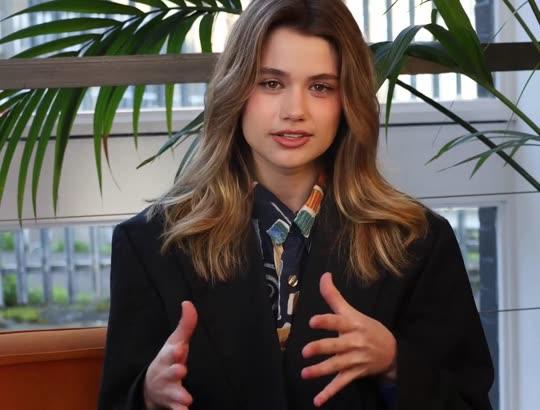
- PresenterEmily, seatedOn a sofa, side-on
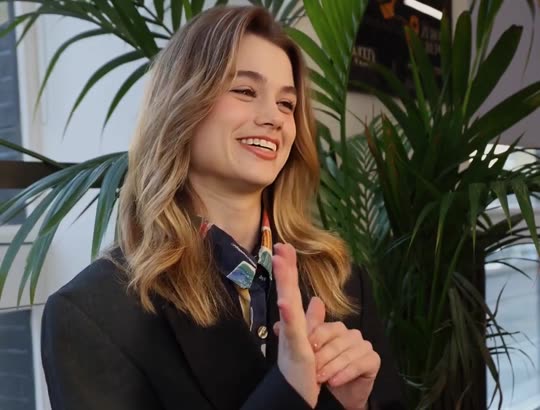
- PresenterElenaAt a desk
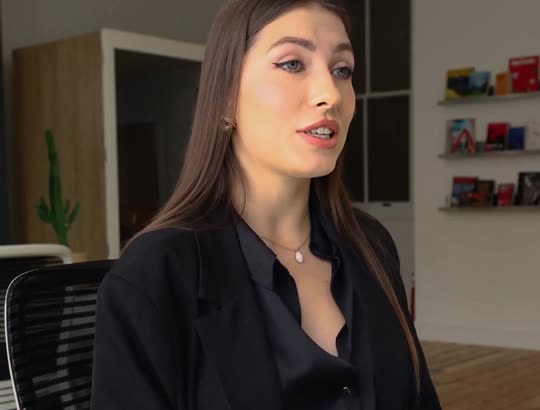
- PresenterAishaOutdoors, walking
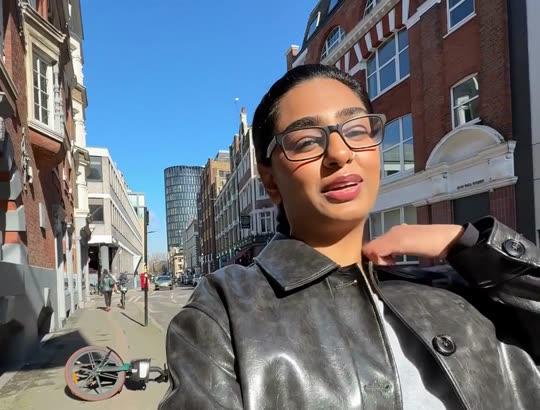
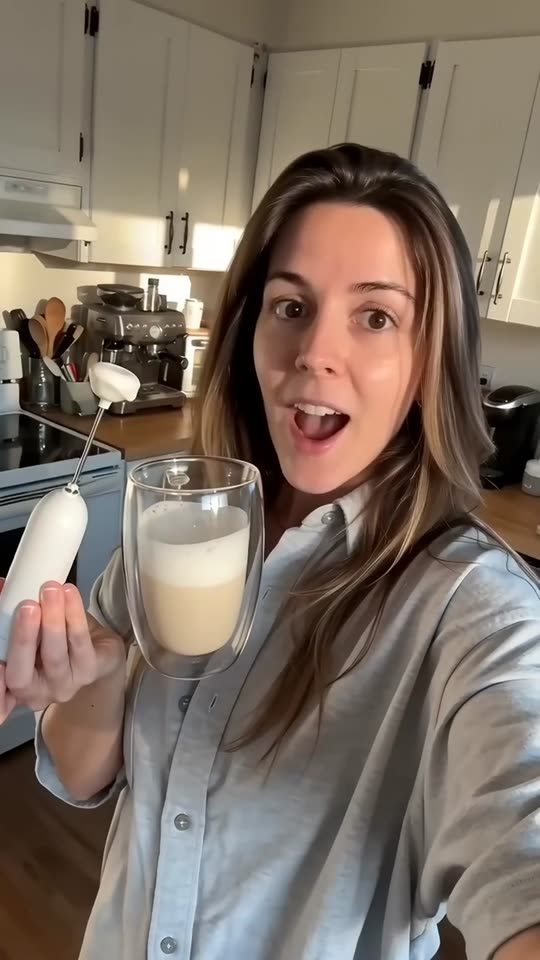
- UGCWoman at homeBright home kitchen
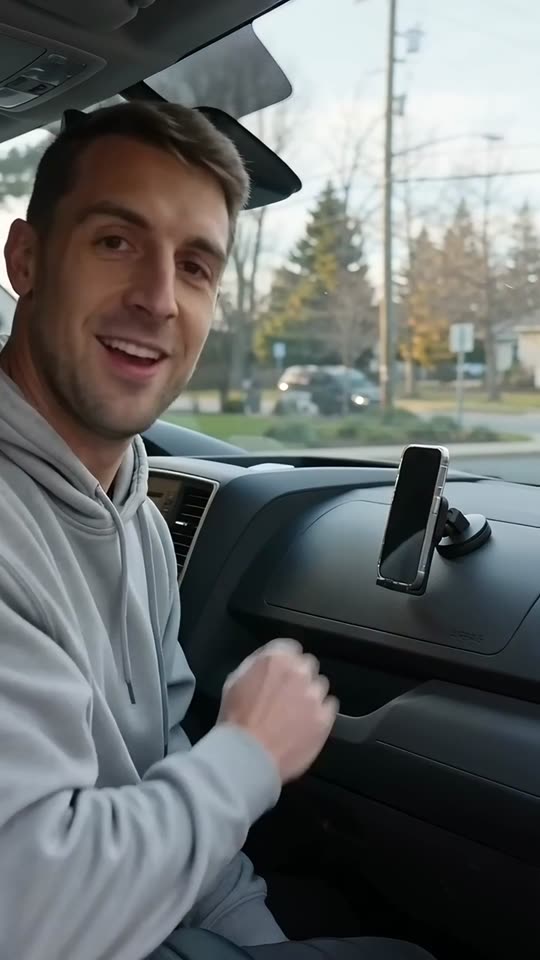
- UGCMan in his carParked car
- UGCMorning routineBathroom, morning light

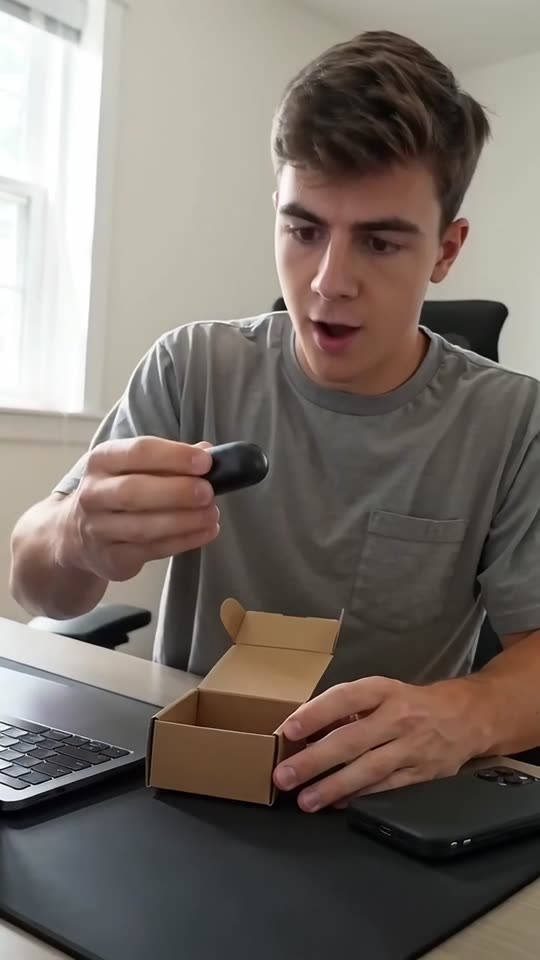
- UGCAt the deskHome desk
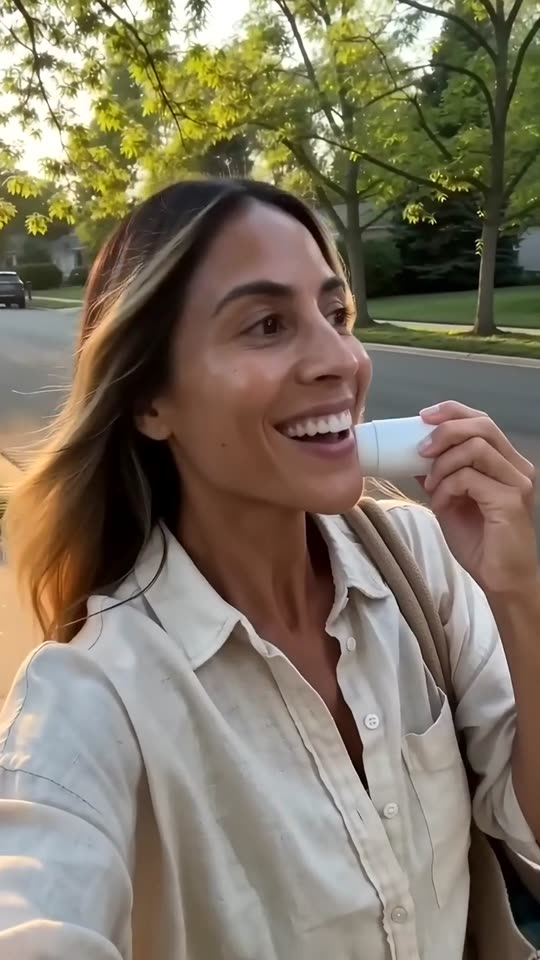
- UGCOutdoorsSunny street
- UGCOn the couchLiving-room couch

- Creator ads from Brand, $99/month
Product ads made with Veedio
“I left this in my car for two days. In July. The ice is still here.”
“I've made my own lattes every morning for a month. This little thing paid for itself in a week.”
“Okay, it's here. No way it's this small. That is the whole case.”
“Two drops, morning and night. That's the whole routine. No filter on this.”
“I started roasting in my garage because I couldn't find a decaf that tasted like anything. This is batch four hundred.”
How it works
Step 1
Type the product, the buyer and the problem
Who buys it — role and company size — and the one problem the ad opens on, with only claims you can support.
Step 2
Read every claim as your legal team would
No invented saving, customer, case study, certification or competitor claim. What you typed, exactly as typed.
Step 3
Upload it to Campaign Manager
Download the 1080p MP4 in 1:1, 16:9 or 9:16 and add it to a single-video ad in LinkedIn Campaign Manager.
Where to start
Pick one and it opens with the idea filled in. Change the words, then make it.
- Video ad for our invoice approval software for finance teams at 50- to 500-person companies: approvals in Slack, audit trail, live in a week
- Video ad for our managed IT service for dental practices: one fixed monthly fee, patient-record backups every night, a named engineer
- Video ad for our ergonomic office chairs for companies furnishing a new office: five adjustments, ten-year warranty, delivered and assembled
Pricing
Plans that grow with you
Creators on camera on Brand, Growth and Scale. Cancel any time.
Brand
$99/month
About 20 product ads a month, for one brand testing what sells.
- 3,000 credits a month
- Presenter and UGC creator ads
- 3 Auto-Mode workers for topic and feed videos
- 5 cloned voices
Growth
Recommended$199/month
About 45 product ads a month: fresh creatives every week across your channels.
- 6,200 credits a month
- Presenter and UGC creator ads
- 6 Auto-Mode workers for topic and feed videos
- 10 cloned voices
Scale
$399/month
About 90 product ads a month, for several product lines, brands or clients.
- 12,500 credits a month
- Presenter and UGC creator ads
- 15 Auto-Mode workers for topic and feed videos
- 25 cloned voices
Questions
Questions about the LinkedIn Ad Video Maker
How long should a LinkedIn video ad be?
LinkedIn’s video ad specs take MP4 from three seconds to 30 minutes in 16:9, 1:1, 4:5 or 9:16, want captions as an SRT file, and recommend 15 to 30 seconds; intro text shows about 150 characters before it is cut off, and a headline about 70. The brief writes a 30-second ad, the top of that recommendation.
Does it make the SRT caption file LinkedIn asks for?
No. Captions are burned into the video, timed to the voice word by word; Veedio exports no caption file. The ad reads on mute as it is; for LinkedIn’s own caption track, write an SRT file from the script.
Can it say our software saves teams ten hours a week?
Only if you type it, and only if you can prove it. The FTC’s advertising guide for small business says advertising must be truthful and non-deceptive, and that a company needs a reasonable basis for every claim — proof in hand before the ad runs, not after. The brief never adds a time or money saved, a return on investment, a customer or a case study on its own.
Will it show our product’s interface?
No. Every scene is generated from its own line, so it shows the workplace moment the line is about, and the brief draws no interface, dashboard or chart that could pass for a screenshot. Add a real screen recording in an editor if the ad needs one.
Can someone from our company present the ad?
On Veedio’s business plans, and on Pro and Studio, a presenter scene puts a lifelike AI presenter on screen speaking your script, lip-synced to the voice you picked — one from the roster, or one made from a photo of you. Write the script here, then pick the presenter scene in the composer.
Does it upload to LinkedIn Campaign Manager?
No. Veedio makes the video file and publishes to TikTok, Instagram and YouTube; nothing of ours connects to LinkedIn. Download the MP4 and add it to a video ad in Campaign Manager.
What does it cost?
Plans are monthly: Mini $7 (200 credits), Starter $19 (600 credits), Pro $49 (2,000 credits), Studio $149 (7,500 credits). A five-scene short in pictures costs 13 credits; with AI motion in every scene it costs 138. You see the price before you generate, and the first payment on any plan has a 7-day money-back guarantee. Pro ($49 a month, 2,000 credits) covers about 153 five-scene shorts in pictures, or about 14 with AI motion in every scene.
Do I have to sign up to try this?
Yes, and pick a plan: Mini is $7 a month, and the first payment has a 7-day money-back guarantee. On a plan, the box at the top writes the script and the shot list for no credits — that is the part that decides whether the video is worth making.
Do I own the videos, and is there a watermark?
You own them, on every plan, and there is no watermark on any plan, no resolution cap and no platform withheld. Four things do follow the plan, because they are what a video costs to make: AI motion and sound effects need Starter, and a presenter avatar and the choice of video model need Pro. Everything else — every voice, every language, every caption style, every aspect ratio — is the same on all of them.
About the tool
More about the LinkedIn Ad Video Maker
What it makes
Sponsored video ads for LinkedIn — one business problem, the product that solves it, the proof you can stand behind — in 15 to 30 seconds and readable on mute.
The product, the buyer (role and company size), the one problem the ad opens on, and only claims you can back — a feature, an integration, a setup time you have measured. No outcome you cannot show.
One business problem, said in the first line
A LinkedIn feed is full of people reading about their own work, so the ad that stops them names a problem they had this week: invoices waiting on an approver who is travelling, a practice’s patient records backed up by nobody in particular, a new office with no chairs in it. The brief opens on that problem in the buyer’s own terms, with no greeting and no company introduction, and only then says what the product does about it — a feature, an integration, how it is delivered — one fact per scene.
The register is a colleague explaining something useful: plain and specific, no hype and no exclamation marks, because the reader is deciding whether to forward it to the person who signs off. One run writes one problem; run the box again for the next buyer or the next problem. For organic posts on your own page rather than paid ads, the LinkedIn video generator is the page.
LinkedIn’s specs, and captions on mute
LinkedIn’s video ad specs take MP4 from three seconds to 30 minutes in 16:9, 1:1, 4:5 or 9:16, want captions as an SRT file, and recommend 15 to 30 seconds; intro text shows about 150 characters before it is cut off, and a headline about 70. Veedio renders 1:1 by default, and 16:9 or 9:16 if you switch the composer, so all three of its recommended shapes but 4:5 are covered, and the 30-second length sits at the top of its recommended range.
Captions are burned into the video, timed to the voice word by word; Veedio exports no caption file. The words are on the picture, so the ad reads in a muted feed without one; if you also want LinkedIn’s own caption track, write an SRT file from the script and upload it with the video. Keep the intro text under about 150 characters and the headline under about 70, as LinkedIn advises.
Claims a B2B ad has to be able to back
LinkedIn’s advertising policies say the product must accurately match the content of the ad, any claim in the ad must have factual support, and an ad must not make deceptive or inaccurate claims about a competitor’s product. The FTC’s advertising guide for small business says advertising must be truthful and non-deceptive, and that a company needs a reasonable basis for every claim — proof in hand before the ad runs, not after. So the brief invents no time or money saved, no return on investment, no customer name or logo, no case study, no award and no certification, and says nothing about a competitor — the claims B2B buyers check first and legal teams ask about.
Every scene is generated from its own line, so it shows an ordinary workplace moment rather than your product, and the brief never draws an interface, a dashboard or a chart that could pass for a screenshot of it. On Veedio’s business plans, and on Pro and Studio, a presenter scene puts a lifelike AI presenter on screen speaking your script, lip-synced to the voice you picked — one from the roster, or one made from a photo of you. For an ad read by someone at the company, write the script here and pick the presenter in the composer.
Who it's for
B2B software companies
A problem-first ad per buyer and per use case, from the feature list you already have, with no invented saving or customer.
Service businesses selling to companies
Managed services, agencies and consultancies saying what they deliver and how, in a register a manager will forward.
Demand-generation marketers
Fresh openings to test each week against the same audience, one problem per render, at a fixed cost per variant.
Agencies running several brands
Creative for each client from one login, every brief written from that client’s own product sheet, and every claim read against it before anything renders.
What this replaces
Input
The usual way: A brief, a script through legal review, then a shoot or an animation studio.
With Veedio: The product, the buyer and the problem, typed in one sentence.
Visuals
The usual way: Screen recordings and office footage, redone when the product changes.
With Veedio: Generated workplace scenes in 1:1, 16:9 or 9:16, with no screen that could date.
Voiceover
The usual way: A voice artist booked per script, and again for each change.
With Veedio: A steady AI voice; a changed claim re-records only that line.
Captions
The usual way: Auto-captions that drift, then an hour nudging keyframes.
With Veedio: Burned in from the voice model’s own word alignment, so they land on the syllable.
Turnaround
The usual way: Weeks per video, so a campaign runs one ad until it tires.
With Veedio: Minutes per variant, so each buyer and problem can have its own.
Changing it
The usual way: Re-record the line, re-cut the timeline, re-export, re-upload.
With Veedio: Edit the line and only its voice is re-recorded, free. A new still is free too; a new motion clip is free once per video.
| The usual way | With Veedio | |
|---|---|---|
| Input | A brief, a script through legal review, then a shoot or an animation studio. | The product, the buyer and the problem, typed in one sentence. |
| Visuals | Screen recordings and office footage, redone when the product changes. | Generated workplace scenes in 1:1, 16:9 or 9:16, with no screen that could date. |
| Voiceover | A voice artist booked per script, and again for each change. | A steady AI voice; a changed claim re-records only that line. |
| Captions | Auto-captions that drift, then an hour nudging keyframes. | Burned in from the voice model’s own word alignment, so they land on the syllable. |
| Turnaround | Weeks per video, so a campaign runs one ad until it tires. | Minutes per variant, so each buyer and problem can have its own. |
| Changing it | Re-record the line, re-cut the timeline, re-export, re-upload. | Edit the line and only its voice is re-recorded, free. A new still is free too; a new motion clip is free once per video. |
How it writes your script
For an idea like “Video ad for our invoice approval software for finance teams at 50- to 500-person companies: approvals in Slack, audit trail, live in a week”, the script writer also gets this direction:
Write a short video ad for LinkedIn, for a company to run as a sponsored video in the feed, aimed at the business buyer the user named. LinkedIn video plays muted in the feed, so the first line must work as a caption on its own: it names one specific problem the buyer has at work, in their own terms, with no greeting and no company introduction. Then say what the product does about it in two or three concrete lines — a feature, an integration, a setup step, a fact about how it is delivered — one per scene, and end on the call to action. The register is a colleague explaining something useful: plain, specific, no hype, no slang, no exclamation marks. Use only the product name, features, integrations, prices, timeframes, guarantees, warranties and claims the user typed, exactly as typed. Never invent a statistic, a percentage, a time or money saved, a return on investment, a customer, a logo, a case study, a testimonial, an award, an analyst rating or a certification such as SOC 2 or ISO, and never make a claim about a competitor. Never claim the speaker uses the product or works at a customer unless the user typed it; write as the company's narrator, not as a customer. Never mention LinkedIn or another brand in the script. Each scene describes one frame of an ordinary workplace moment the line is about — a finance desk with a stack of invoices, a dental front desk after hours, an empty new office being furnished — with no real brand, logo, interface, dashboard, screen text or chart, and no text in the frame. Never describe a generated frame as a photograph or screenshot of the actual product. End with the call to action the user gave, or 'See how it works at the link' if they gave none.