Veedio for Business
Pinterest Video Ad Maker
Start posting real video ads for your product, made and posted from one place.
Who is on camera
- You, from a photoYour own face
- PresenterEmilyOn a sofa
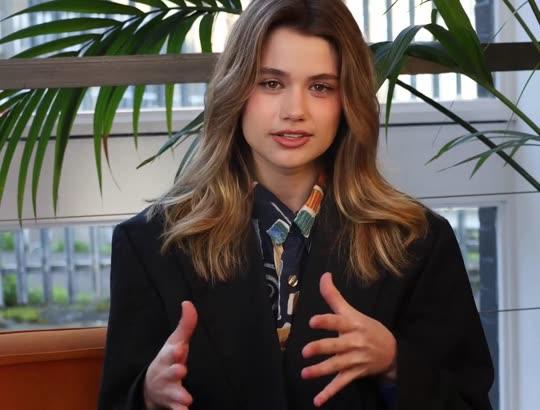
- PresenterEmily, seatedOn a sofa, side-on
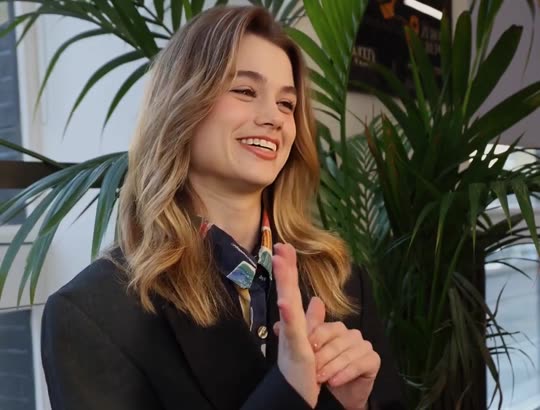
- PresenterElenaAt a desk
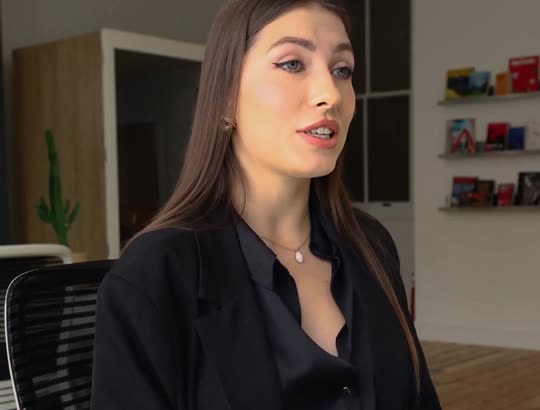
- PresenterAishaOutdoors, walking
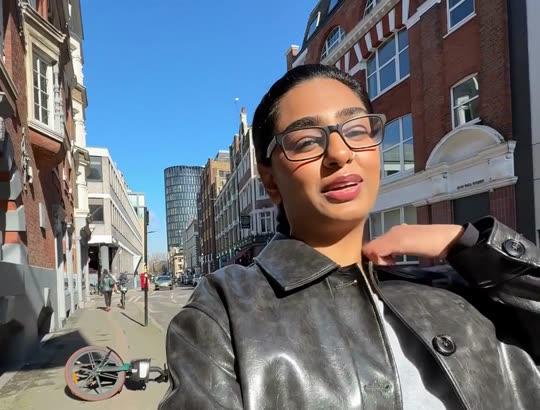
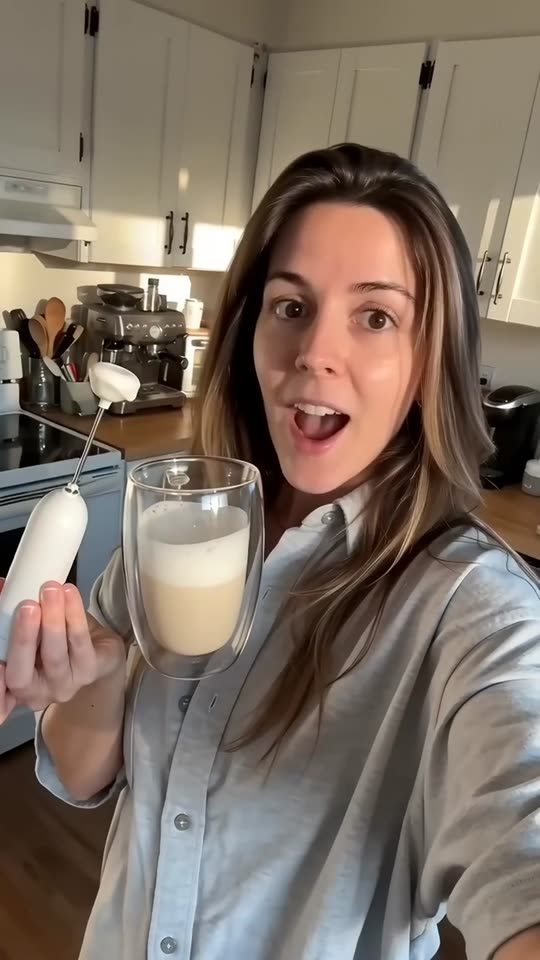
- UGCWoman at homeBright home kitchen
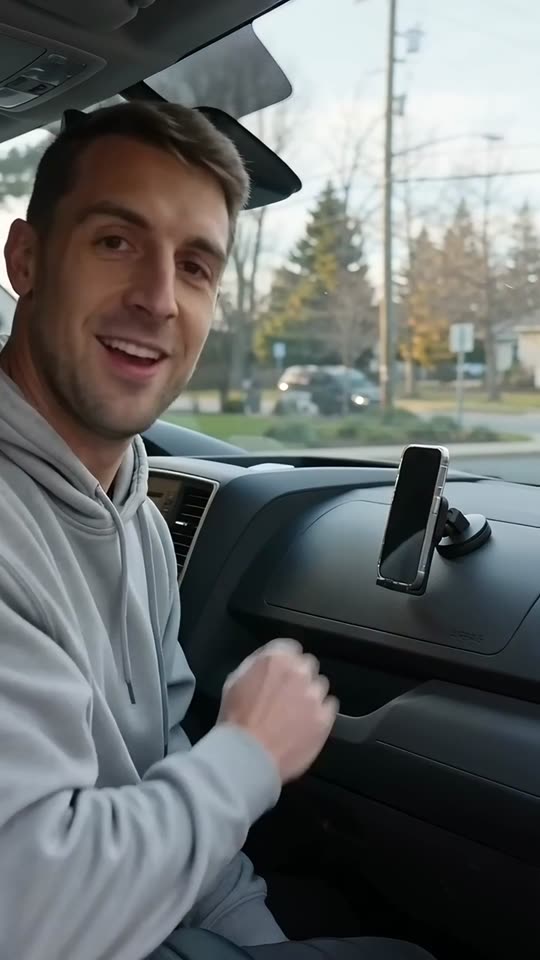
- UGCMan in his carParked car
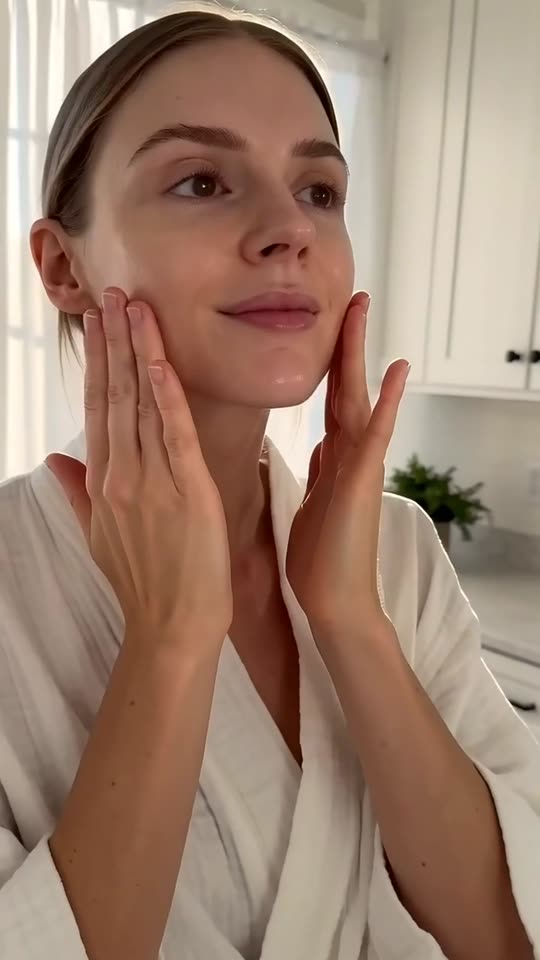
- UGCMorning routineBathroom, morning light
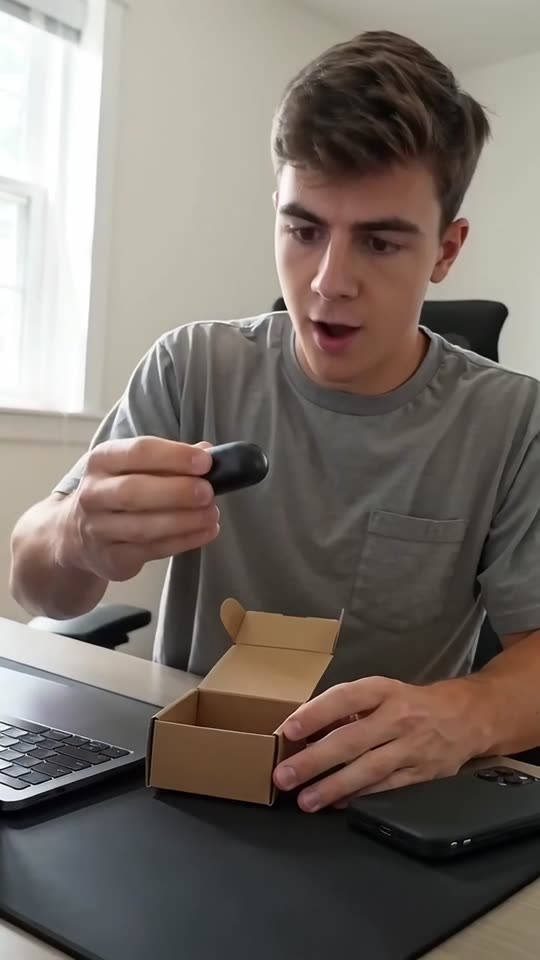
- UGCAt the deskHome desk
- UGCOutdoorsSunny street
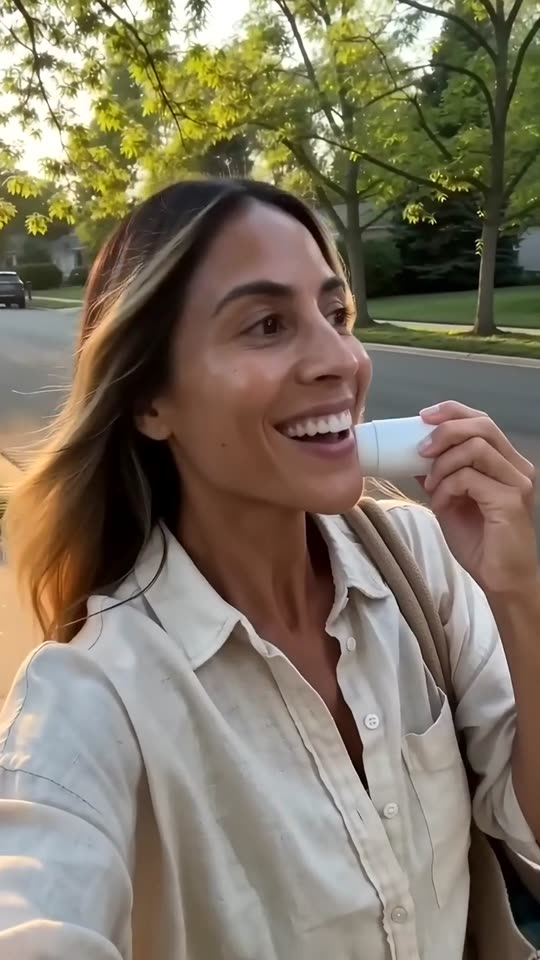
- UGCOn the couchLiving-room couch

- Creator ads from Brand, $99/month
Product ads made with Veedio
“I left this in my car for two days. In July. The ice is still here.”
“I've made my own lattes every morning for a month. This little thing paid for itself in a week.”
“Okay, it's here. No way it's this small. That is the whole case.”
“Two drops, morning and night. That's the whole routine. No filter on this.”
“I started roasting in my garage because I couldn't find a decaf that tasted like anything. This is batch four hundred.”
How it works
Step 1
Type the product and the plan it fits
The room, outfit, recipe or routine a pinner is planning, and the product facts exactly as your listing has them.
Step 2
Read the idea before it renders
The plan comes first and the product is how to get there. No invented claims, no health or weight-loss line, nothing exaggerated.
Step 3
Upload it as a video Pin
Download the 1080p MP4 in 9:16 or 1:1, upload it in Pinterest Ads Manager, and write the title around the idea.
Where to start
Pick one and it opens with the idea filled in. Change the words, then make it.
- Idea ad for our linen duvet cover set: a calm bedroom refresh in an afternoon, stone-washed, three neutral colours, queen and king
- Outfit ad for our wide-leg wool trousers: three ways to wear them to work this autumn, charcoal and camel, sizes 0 to 16
- Recipe ad for our chili crisp: a ten-minute noodle dinner, three ingredients plus the jar, 6 oz
Pricing
Plans that grow with you
Creators on camera on Brand, Growth and Scale. Cancel any time.
Brand
$99/month
About 20 product ads a month, for one brand testing what sells.
- 3,000 credits a month
- Presenter and UGC creator ads
- 3 Auto-Mode workers for topic and feed videos
- 5 cloned voices
Growth
Recommended$199/month
About 45 product ads a month: fresh creatives every week across your channels.
- 6,200 credits a month
- Presenter and UGC creator ads
- 6 Auto-Mode workers for topic and feed videos
- 10 cloned voices
Scale
$399/month
About 90 product ads a month, for several product lines, brands or clients.
- 12,500 credits a month
- Presenter and UGC creator ads
- 15 Auto-Mode workers for topic and feed videos
- 25 cloned voices
Questions
Questions about the Pinterest Video Ad Maker
What size should a Pinterest video ad be?
Pinterest’s ad specs take MP4, MOV or M4V video from 4 seconds to 15 minutes, recommend 6 to 15 seconds for video ads, and recommend square (1:1) or vertical (2:3, 4:5 or 9:16); the title takes 100 characters, of which the first 40 may show in the feed. Veedio renders 9:16 or 1:1, both on Pinterest’s list.
Can it make a 6- to 15-second Pinterest video?
Not straight out. The shortest video Veedio makes is the 30-second length, and the narration fills most of it; there is no 6- or 15-second cut, so trim one in an editor if a placement wants it shorter. Pinterest accepts video from 4 seconds, so a 30-second ad runs as it is.
Does it publish to Pinterest?
No. Veedio publishes to TikTok, Instagram and YouTube, not Pinterest. Download the MP4 and upload it as a video Pin in Pinterest Ads Manager.
Will the ad show my actual product?
Only where you put it in. Every scene is generated from its own line of the script, so it shows a product like yours in use — not the item a customer will receive — and the brief never calls a frame a photograph of it. One photo of your own product can open the video, added in the composer. On Veedio’s business plans, the composer’s Product ad (UGC) option takes a photo of your product: an AI creator, or a presenter made from your own photo, is drawn holding it and talks about it to camera, and the b-roll opens on your untouched photo. It writes its own fixed UGC script from the facts you give rather than this page’s brief, and the product in the creator’s hands is an AI composite, so check it against the real thing.
Can it say my product is the most saved on Pinterest?
No. The brief invents no “most saved”, “trending”, rating, review or sales line, and makes no exaggerated claim. Pinterest’s advertising guidelines rule out exaggerated claims, products misrepresented through synthetic media or manipulated content, claims to prevent or cure disease, and — outside one narrow exception for approved healthcare advertisers — any weight-loss language or imagery.
Can I use these ads commercially?
Yes. You own the videos on every plan and can use them commercially, paid ads included. There is no watermark on any plan, the export is 1080p, and the music beds are licensed for commercial use with no attribution.
What does it cost?
Plans are monthly: Mini $7 (200 credits), Starter $19 (600 credits), Pro $49 (2,000 credits), Studio $149 (7,500 credits). A five-scene short in pictures costs 13 credits; with AI motion in every scene it costs 138. You see the price before you generate, and the first payment on any plan has a 7-day money-back guarantee. Pro ($49 a month, 2,000 credits) covers about 153 five-scene shorts in pictures, or about 14 with AI motion in every scene.
Do I have to sign up to try this?
Yes, and pick a plan: Mini is $7 a month, and the first payment has a 7-day money-back guarantee. On a plan, the box at the top writes the script and the shot list for no credits — that is the part that decides whether the video is worth making.
Do I own the videos, and is there a watermark?
You own them, on every plan, and there is no watermark on any plan, no resolution cap and no platform withheld. Four things do follow the plan, because they are what a video costs to make: AI motion and sound effects need Starter, and a presenter avatar and the choice of video model need Pro. Everything else — every voice, every language, every caption style, every aspect ratio — is the same on all of them.
About the tool
More about the Pinterest Video Ad Maker
What it makes
Vertical and square video ads for Pinterest — the idea a pinner is planning, the product that fits it, the steps to get there — written from the facts you type.
The product, its facts exactly as listed, and the plan it fits — a room, an outfit, a recipe, a party, a routine. Pinners save ideas, so lead with the idea and let the product be how they get there.
Lead with the idea a pinner is saving
Pinterest is where people plan: the bedroom they want by spring, the work outfits for a new job, the dinner for Saturday. An ad that interrupts that with a product shot is skipped; an ad that is itself a good idea gets watched and saved. So the brief opens on the plan — “A calm bedroom in one afternoon” — and lets the product be the way there, then gives three or four steps or looks, one per scene, with the product in at least two of them.
Every line reads on its own as a caption, because people browse with the sound off, and the closing line asks the viewer to save the idea as well as to visit you. One run writes one idea; for a new angle, run the box again with a different plan for the same product. For the same product on Meta’s feeds, the Facebook and Instagram video ad maker is the page; for a creator holding it to camera, the AI UGC ad generator.
Pinterest’s sizes, lengths and titles
Pinterest’s ad specs take MP4, MOV or M4V video from 4 seconds to 15 minutes, recommend 6 to 15 seconds for video ads, and recommend square (1:1) or vertical (2:3, 4:5 or 9:16); the title takes 100 characters, of which the first 40 may show in the feed. Veedio renders 9:16 by default and 1:1 if you switch the composer, both of which Pinterest recommends.
The shortest video Veedio makes is the 30-second length, and the narration fills most of it; there is no 6- or 15-second cut, so trim one in an editor if a placement wants it shorter. A 30-second idea ad sits well inside Pinterest’s limits; for its 6-to-15-second recommendation, cut the hook and two steps from the render. Write the Pin title around the idea, not the product name, because only its first 40 characters may show in the feed. Captions are burned into the video, timed to the voice word by word; Veedio exports no caption file.
What Pinterest’s ad rules mean for the brief
Pinterest’s advertising guidelines rule out exaggerated claims, products misrepresented through synthetic media or manipulated content, claims to prevent or cure disease, and — outside one narrow exception for approved healthcare advertisers — any weight-loss language or imagery. So the brief writes no exaggerated, health, cure or weight-loss claim, and invents no review, rating, “most saved” or “trending” line. If your product makes a regulated claim, add it yourself after your own review.
Every scene is generated from its own line of the script, so it shows a product like yours in use — not the item a customer will receive — and the brief never calls a frame a photograph of it. One photo of your own product can open the video, added in the composer. On Pinterest that means a calm, styled setting with something like your product in it — a made bed, a hanger, a bowl on a table — never your packaging, and never presented as a photograph of what ships. On Veedio’s business plans, the composer’s Product ad (UGC) option takes a photo of your product: an AI creator, or a presenter made from your own photo, is drawn holding it and talks about it to camera, and the b-roll opens on your untouched photo. It writes its own fixed UGC script from the facts you give rather than this page’s brief, and the product in the creator’s hands is an AI composite, so check it against the real thing. An AI creator talking about your product is an ad, not a customer review: the FTC’s rule on consumer reviews and testimonials bars testimonials from people who did not use the product, so never caption one as a customer, never attach a real customer’s name to it, and label it as AI-made where the platform asks.
Who it's for
Home and decor brands
Room ideas built around a cushion, a throw or a lamp, so the product arrives as the finishing touch a pinner was looking for.
Fashion and accessories brands
Three ways to wear one piece, one look per scene, for the people planning a season’s wardrobe.
Food and kitchen brands
A recipe in four steps with your jar or tool in it, for the dinner someone is planning this week.
Agencies running several brands
Creative for each client from one login, every brief written from that client’s own product sheet, and every claim read against it before anything renders.
What this replaces
Input
The usual way: A styled shoot per idea: set, props, product, photographer.
With Veedio: The product and the plan it fits, typed in one sentence.
Visuals
The usual way: A styled set built and reshot for each season’s ideas.
With Veedio: Generated styled scenes in 9:16 or 1:1; one photo of your own product can open it.
Voiceover
The usual way: Book a VO artist, or record yourself and cut the breaths out.
With Veedio: Five ElevenLabs voices, re-recorded free whenever the line changes.
Captions
The usual way: Typed in an editor for every version of the Pin.
With Veedio: Every word burned in as it is spoken, for browsing with the sound off.
Turnaround
The usual way: A shoot per season, so most ideas never get a video.
With Veedio: Minutes per idea, so each product can have several.
Changing it
The usual way: Re-record the line, re-cut the timeline, re-export, re-upload.
With Veedio: Edit the line and only its voice is re-recorded, free. A new still is free too; a new motion clip is free once per video.
| The usual way | With Veedio | |
|---|---|---|
| Input | A styled shoot per idea: set, props, product, photographer. | The product and the plan it fits, typed in one sentence. |
| Visuals | A styled set built and reshot for each season’s ideas. | Generated styled scenes in 9:16 or 1:1; one photo of your own product can open it. |
| Voiceover | Book a VO artist, or record yourself and cut the breaths out. | Five ElevenLabs voices, re-recorded free whenever the line changes. |
| Captions | Typed in an editor for every version of the Pin. | Every word burned in as it is spoken, for browsing with the sound off. |
| Turnaround | A shoot per season, so most ideas never get a video. | Minutes per idea, so each product can have several. |
| Changing it | Re-record the line, re-cut the timeline, re-export, re-upload. | Edit the line and only its voice is re-recorded, free. A new still is free too; a new motion clip is free once per video. |
How it writes your script
For an idea like “Idea ad for our linen duvet cover set: a calm bedroom refresh in an afternoon, stone-washed, three neutral colours, queen and king”, the script writer also gets this direction:
Write a short vertical video ad for Pinterest, for a brand to run as a promoted video Pin. People on Pinterest are planning something — a room, an outfit, a meal, a celebration, a routine — so lead with the idea, not the product: the first line names the plan the viewer is making and what it will look like, said with no greeting, and the product appears as the way to get there. Then give three or four steps or looks, one per scene, each a thing the viewer could do or picture, with the product in at least two of them. Write every line so it reads on its own as a caption, because most people browse with the sound off. Use only the product name, materials, colours, sizes, ingredients, prices and claims the user typed, exactly as typed. Never invent a statistic, a percentage, a review, a rating, a sales count, an award, a discount, a deadline, a 'trending' or 'most saved' claim, and never make an exaggerated claim, a health claim, a claim that a product prevents or cures anything, or any weight-loss claim. Never claim the speaker bought or uses the product unless the user typed it; write as a narrator sharing an idea, not as a customer. Never mention Pinterest or another brand in the script. Each scene describes one frame of a calm, well-lit, styled setting with a generic product like the one described — a made bed by a window, trousers on a hanger beside a coat, a bowl of noodles on a table — with no real brand, logo or packaging text, no text in the frame, and no people's faces in close-up. Never describe a generated frame as a photograph of the actual product. End with the call to action the user gave, or 'Save this for later and find it at the link' if they gave none.